Whether you're starting a personal blog, launching an online store, or building a business website, choosing the right web hosting for WordPress is one of the most important decisions you'll make. Your hosting provider affects your website's speed, security, uptime, and overall user experience.
In this guide, we'll explain what WordPress hosting is, its benefits, the different types available, and what features to look for when selecting a hosting provider.
What Is Web Hosting for WordPress?
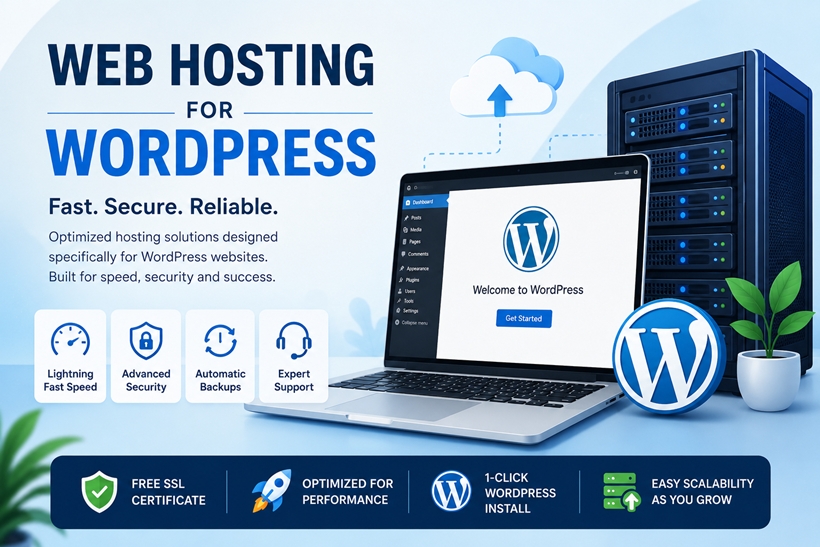
Web hosting for WordPress is a hosting service specifically designed to run WordPress websites efficiently. While WordPress can be installed on almost any web hosting plan, WordPress-optimized hosting includes server configurations, software, and tools that improve performance, security, and ease of management.
Many providers also offer one-click WordPress installation, automatic updates, built-in caching, and expert WordPress support.
Why Choose WordPress Hosting?
A hosting plan optimized for WordPress offers several advantages over standard web hosting.
Faster Website Performance
WordPress hosting typically includes optimized web servers, SSD or NVMe storage, caching technologies, and the latest PHP versions. These features help pages load faster, improving both user experience and SEO.
Better Security
Security is a major concern for every website owner. WordPress hosting often includes:
Free SSL certificates
Malware scanning
Web application firewalls
Automatic security updates
Daily backups
DDoS protection
These features help protect your website from common online threats.
Easy Website Management
Most WordPress hosting plans include user-friendly control panels and management tools such as:
One-click WordPress installation
Automatic core updates
Plugin and theme management
Staging environments
Website migration tools
These features make managing your website much easier, even if you have little technical experience.
Types of Web Hosting for WordPress
Shared WordPress Hosting
Shared hosting is the most affordable option. Multiple websites share the same server resources, making it ideal for:
Personal blogs
Small business websites
Portfolio websites
Beginners
Although inexpensive, performance may decrease if other websites on the server experience heavy traffic.
VPS WordPress Hosting
Virtual Private Server (VPS) hosting provides dedicated resources within a virtual environment.
It is suitable for:
Growing websites
WooCommerce stores
Developers
Medium-sized businesses
VPS hosting offers greater flexibility, improved performance, and more control than shared hosting.
Managed WordPress Hosting
Managed WordPress hosting is designed specifically for WordPress users who want a hands-off experience.
The hosting provider manages:
Server maintenance
Security updates
Performance optimization
Automatic backups
WordPress updates
This option is ideal for businesses that want to focus on content rather than server management.
Dedicated WordPress Hosting
Dedicated hosting provides an entire physical server for a single customer.
It's best for:
High-traffic websites
Large eCommerce stores
Enterprise applications
Resource-intensive websites
Although more expensive, dedicated hosting delivers maximum performance and customization.
Features to Look for in Web Hosting for WordPress
When comparing hosting providers, consider these important features:
High Uptime
Choose a provider with a 99.9% uptime guarantee or higher to keep your website available to visitors.
Fast Storage
Look for SSD or NVMe storage, which offers much faster performance than traditional hard drives.
Free SSL Certificate
An SSL certificate encrypts data between your website and visitors while improving trust and search engine rankings.
Automatic Backups
Daily or scheduled backups ensure your website can be restored quickly if something goes wrong.
WordPress Support
Technical support staff with WordPress expertise can resolve issues much faster than general hosting support.
Scalability
As your website grows, your hosting plan should allow easy upgrades without significant downtime.
How Web Hosting Affects SEO
Hosting plays an important role in search engine optimization.
A fast, reliable hosting provider can improve:
Website loading speed
Core Web Vitals
Uptime
Mobile performance
User experience
Search engines favor websites that load quickly and remain consistently available.
Who Needs WordPress Hosting?
WordPress hosting is suitable for almost every type of website, including:
Blogs
Business websites
Online stores
Membership websites
Portfolio websites
Educational websites
News websites
Nonprofit organizations
Whether you're launching your first website or managing thousands of daily visitors, there's a WordPress hosting plan that fits your needs.
Tips for Choosing the Best Web Hosting for WordPress
Before purchasing a hosting plan, compare providers based on:
Performance benchmarks
Server locations
Security features
Customer support availability
Backup policies
Pricing and renewal costs
Resource limits
User reviews
Selecting a provider with transparent pricing and reliable customer service can save time and prevent future issues.
Final Thoughts
Choosing the right web hosting for WordPress is essential for building a fast, secure, and reliable website. While beginners may find shared hosting sufficient, growing businesses often benefit from VPS or managed WordPress hosting. High-traffic websites typically require dedicated resources for optimal performance.
By focusing on speed, security, uptime, scalability, and expert support, you can select a hosting solution that meets your current needs while supporting your website's future growth. Investing in quality web hosting for WordPress helps create a better experience for visitors and provides a solid foundation for long-term online success.